MCP mission control for local AI
ContextPass is an open source desktop app that manages, runs and monitors MCP servers used by local AI agents.
- Simple MCP server setup and configuration validation.
- Manage all your MCP servers in one place.
- Record and analyze how AI agent use MCP tools, resources and prompts.
- Keep MCP analytics private and local.
- Open by design. Access the source code, request new features, clone, customize, and contribute.
Features
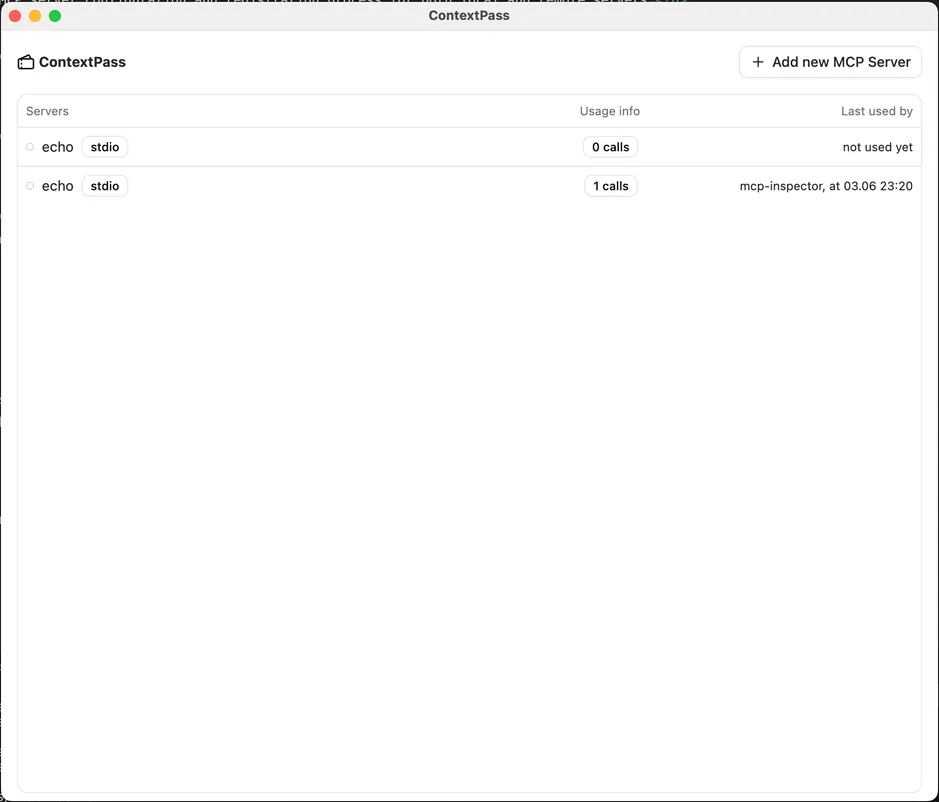
MCP server inventory
After you set up and test an MCP server once, you can list every server and see which ones your AI clients and agents are using.
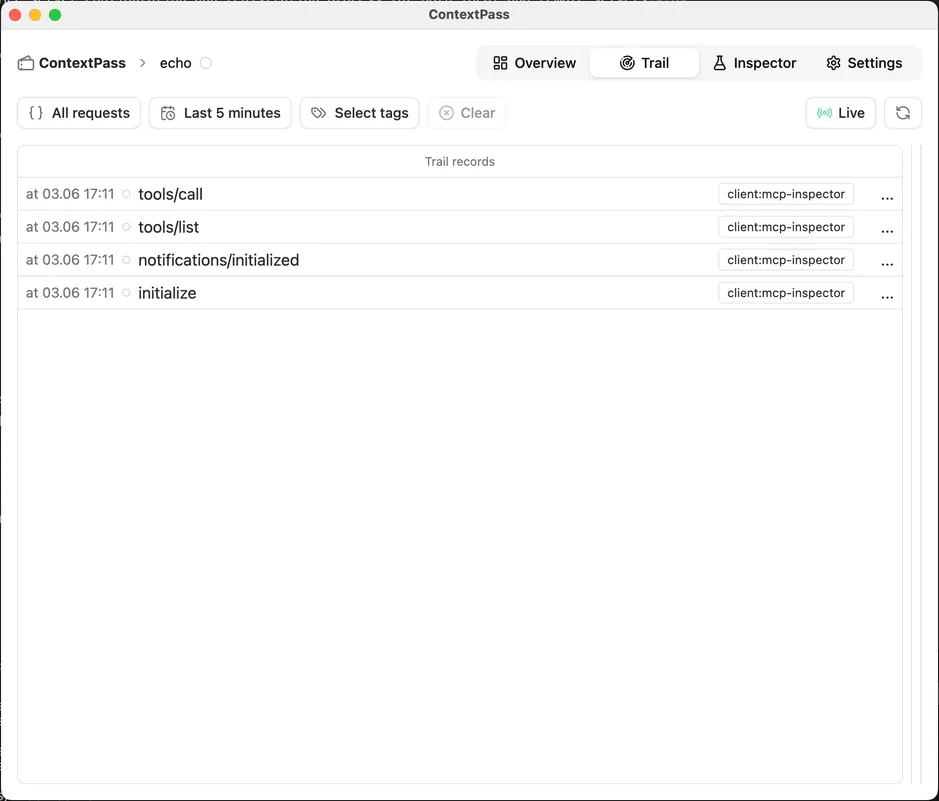
Usage Insights and Analytics
See which tools were called, what resources were accessed, and which prompts were fetched.
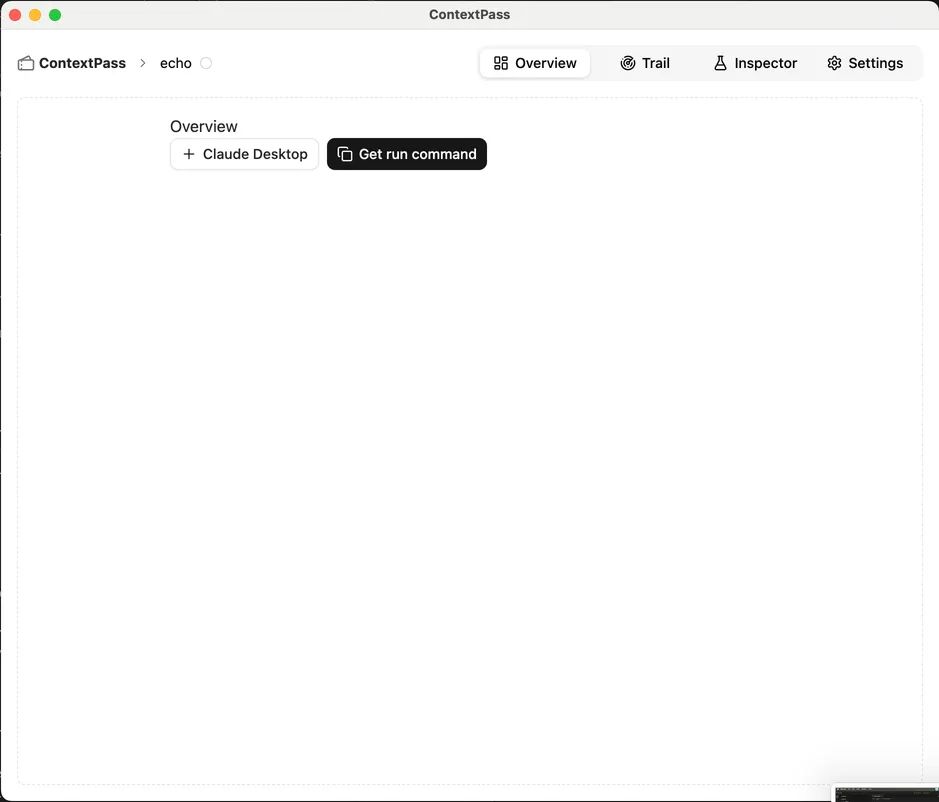
Configure you AI clients
Set up common AI clients (Claude, Windsurf, Cursor) from the app. For other clients, run the provided CLI command.
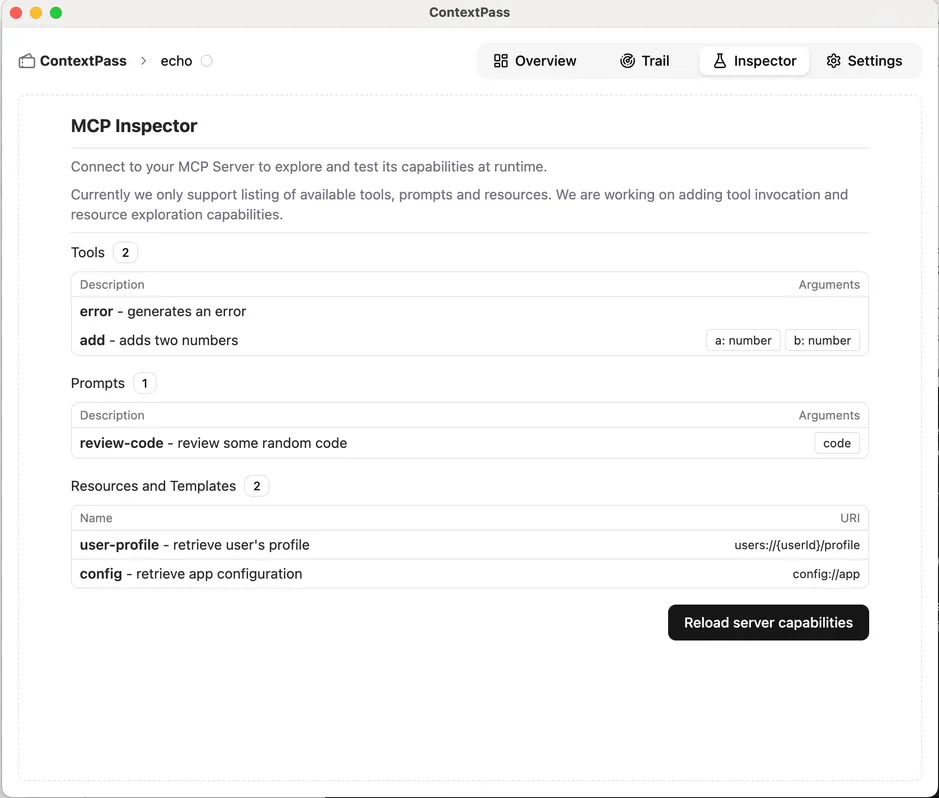
Test or invoke tools from the app
Use the built-in inspector to test and invoke tools right within the app.
How ContextPass works
Loading
Loading
Supported AI Clients and Agents

Cursor The most popular AI Code Editor

Windsurf Agentic IDE that keeps you in flow state

Claude AI assistant built by Antropic
Explore more AI clients supporing MCP →




ContextPass
Use MCP servers locally and securely
© 2025 Sopdu GmbH. All rights reserved.